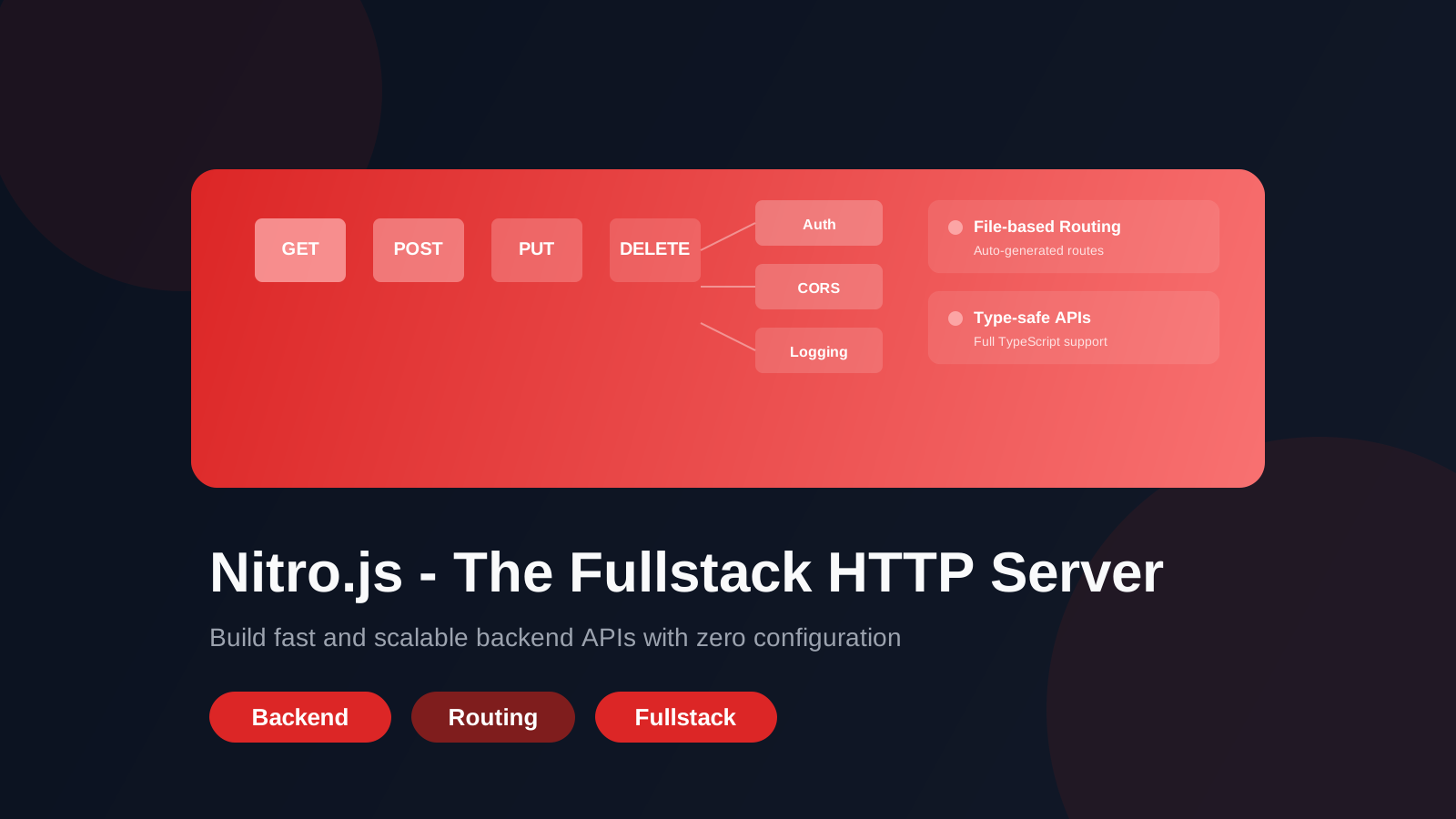
Nitro.js - خادم HTTP الكامل
تعلّم كيفية بناء خوادم HTTP سريعة وقابلة للتوسع باستخدام Nitro.js
Nitro.js - The Fullstack HTTP Server
Introduction
Building modern web applications often requires a robust server that can handle API routes, server-side rendering, and middleware with ease.
Nitro.js is an ultra-fast, framework-agnostic HTTP server that makes backend development as simple as creating files in a directory.
Whether you're building:
- A simple REST API
- A fullstack application with SSR
- A microservice
- A serverless function
Nitro provides the framework and tooling to get started in seconds.
What is Nitro?
Nitro is a minimal and lightweight HTTP server built on top of the standard Web APIs (like Fetch and Response). It's designed to work with:
- Nuxt.js (though it's framework-agnostic)
- Any Node.js environment
- Serverless platforms (AWS Lambda, Vercel, Cloudflare Workers, etc.)
- Docker containers
Why Nitro?
✅ File-based routing - Create routes by simply organizing files in a directory
✅ Zero-config - Works out of the box
✅ Middleware support - Composable middleware stack
✅ Built-in validation - Type-safe route handlers with TypeScript
✅ Multiple deployment targets - Deploy anywhere
✅ Extremely fast - Optimized for performance
Getting Started with Nitro
Installation
npm install -D nitropack
Project Structure
project/
├── server/
│   ├── api/
│   │   ├── hello.ts
│   │   └── users/
│   │       └── [id].ts
│   ├── middleware/
│   │   └── auth.ts
│   └── routes/
│       └── sitemap.xml.ts
└── nitro.config.ts
Creating Your First Route
Simple GET Route
// server/api/hello.ts
export default defineEventHandler((event) => {
  return {
    message: 'Hello from Nitro!',
    timestamp: new Date().toISOString()
  };
});
Route with Parameters
// server/api/users/[id].ts
export default defineEventHandler((event) => {
  const { id } = getRouterParams(event);
return {
userId: id,
name: 'John Doe',
email: 'john@example.com'
};
});
POST with JSON Parsing
// server/api/users.post.ts export default defineEventHandler(async (event) => { const body = await readBody(event);// Validate and process if (!body.name || !body.email) { throw createError({ statusCode: 400, statusMessage: 'Name and email are required' }); }
// Save to database const user = await db.users.create(body);
return user; });
Middleware in Nitro
Middleware runs before your route handlers, perfect for authentication, CORS, logging, and more.
Creating Middleware
// server/middleware/auth.ts
export default defineEventHandler((event) => {
  const token = getCookie(event, 'auth-token');
if (!token && event.node.req.url.startsWith('/api/admin')) {
throw createError({
statusCode: 401,
statusMessage: 'Unauthorized'
});
}
});
Request & Response Handling
Reading Request Data
export default defineEventHandler(async (event) => { // Get query parameters const query = getQuery(event);// Get route parameters const params = getRouterParams(event);
// Get headers const headers = getHeader(event, 'authorization');
// Get body (POST, PUT) const body = await readBody(event);
return { query, params, headers, body }; });
Custom Responses
export default defineEventHandler((event) => {
  // Set response status and headers
  setResponseStatus(event, 201);
  setHeader(event, 'X-Custom-Header', 'value');
// Send response
return { id: 1, created: true };
});
Error Handling
Nitro makes error handling intuitive with built-in error formatting.
export default defineEventHandler(async (event) => {
  try {
    const user = await getUser(id);
    if (!user) {
      throw createError({
        statusCode: 404,
        statusMessage: 'User not found',
        data: { userId: id }
      });
    }
    return user;
  } catch (error) {
    // Error automatically formatted and sent
    throw error;
  }
});
Deployment
Vercel
# nitro.config.ts
export default defineNitroConfig({
  prerender: {
    crawlLinks: true
  }
});
Docker
FROM node:20-alpine
WORKDIR /app
COPY . .
RUN npm install
RUN npm run build
EXPOSE 3000
CMD ["node", ".output/server/index.mjs"]
Best Practices
1. Organize Your Routes
Keep routes organized by feature:
server/
├── api/
│   ├── auth/
│   ├── users/
│   └── posts/
2. Use Environment Variables
const apiKey = useRuntimeConfig().apiKey;
3. Validate Input
Always validate incoming data to prevent security issues.
4. Cache Strategically
Use response caching for frequently accessed data:
export default defineEventHandler((event) => {
  setHeader(event, 'Cache-Control', 'public, max-age=3600');
  return { data: 'cached' };
});
Conclusion
Nitro.js simplifies backend development by providing a lightweight, performant framework that lets you focus on building features instead of infrastructure.
With its file-based routing, middleware support, and deployment flexibility, Nitro is an excellent choice for building APIs, fullstack applications, and microservices.
Start building your next backend with Nitro today!