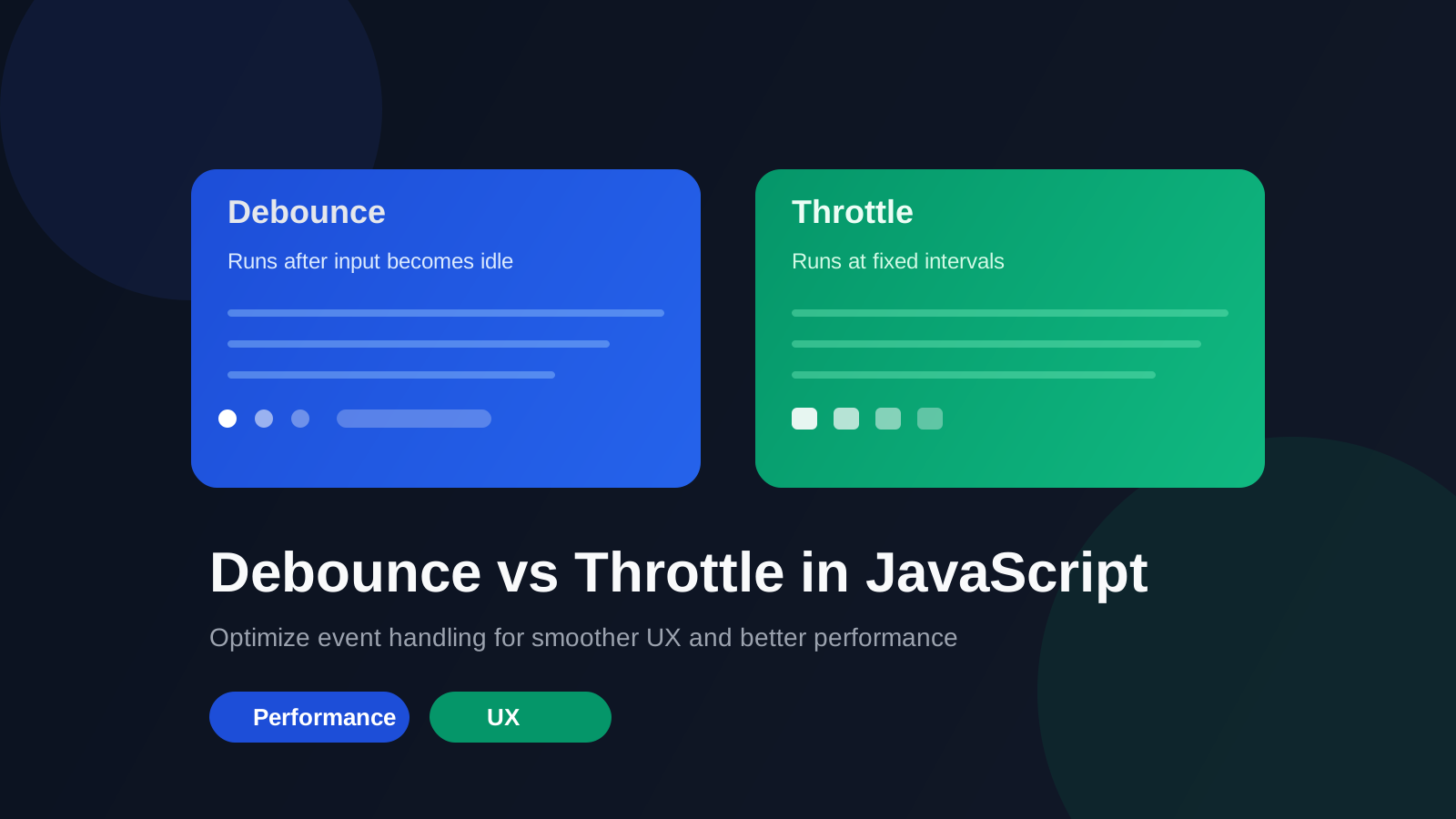
Debounce vs Throttle in JavaScript
Master event handling optimization techniques for better performance
Debounce and Throttle in JavaScript
Introduction
In modern web applications, especially in Vue and Nuxt projects, proper event management directly impacts performance and user experience.
Events such as scroll, resize, input, and mousemove can fire dozens or even hundreds of times per second.
If these events directly trigger API calls, heavy computations, or re-renders, performance degradation and unnecessary resource consumption are inevitable.
This is where two important techniques come in:
- Debounce
- Throttle
What is Debounce?
Concept
Debounce ensures that a function is executed only after a certain period of inactivity since the last call.
Simply put:
Do not run while events keep firing. Execute once after they stop.
Basic Implementation
function debounce(fn, delay) {
  let timer = null;
  return function (...args) {
    clearTimeout(timer);
    timer = setTimeout(() => {
      fn.apply(this, args);
    }, delay);
  };
}
Real Project Example (Search in Nuxt)
const search = debounce(async (query) => {
  const { data } = await $fetch('/api/search', {
    query: { q: query }
  });
  results.value = data;
}, 400);
Why Debounce Makes Sense Here?
- Users type continuously
- Only the final result matters
- API calls are costly
- UX becomes cleaner
What is Throttle?
Concept
Throttle ensures that a function executes at most once every X milliseconds.
Simply put:
No matter how often the event fires, execution is rate-limited.
Basic Implementation
function throttle(fn, limit) {
  let inThrottle = false;
  return function (...args) {
    if (!inThrottle) {
      fn.apply(this, args);
      inThrottle = true;
      setTimeout(() => {
        inThrottle = false;
      }, limit);
    }
  };
}
Real Project Example (Scroll Listener)
const handleScroll = throttle(() => {
  isSticky.value = window.scrollY > 100;
}, 200);
window.addEventListener('scroll', handleScroll);
Why Throttle is Appropriate Here?
- Scroll events fire frequently
- No need to process every pixel
- Reduces pressure on the main thread
Debounce vs Throttle Comparison
| Feature | Debounce | Throttle |
|---|---|---|
| Execution Time | After inactivity | At fixed intervals |
| Best For | Search, Autocomplete | Scroll, Resize |
| Focus | Final result | Rate limiting |
Architectural Perspective
Debounce is based on Idle Detection.
Throttle is based on Rate Limiting.
- Debounce fits intent-driven interactions
- Throttle fits continuous events
Best Practices
1. Use Lodash in Production
import debounce from 'lodash/debounce';
import throttle from 'lodash/throttle';
2. Cleanup in Vue/Nuxt
onUnmounted(() => {
  window.removeEventListener('scroll', handleScroll);
});
3. Be Careful with SSR in Nuxt
Window events exist only on the client side.
Common Mistakes
- ❌ Using Debounce for Scroll → may cause lag
- ❌ Using Throttle for Search → incomplete results and poor UX
- ❌ Forgetting cancel → should cancel on route changes
const debounced = debounce(fn, 300);
debounced.cancel();
Conclusion
Debounce and Throttle are tools for controlling system load, not just utility helpers.
- Debounce → when the final result matters
- Throttle → when execution rate control matters
Proper use of these techniques directly impacts performance, Core Web Vitals, and UX.